Repair Shop Inventory Management That Works
Repair shop inventory management keeps tickets moving, parts visible, and cash under control. Here’s how to run it without spreadsheet chaos.

A repair ticket stalls for a simple reason more often than most shops want to admit: the part is missing, miscounted, sitting in the wrong bin, or already promised to another job. That is where repair shop inventory management stops being a back-office task and becomes a daily operational control system. If your front desk cannot trust stock, your techs lose time, your estimates get softer, and customers hear more delays than updates.
Good inventory management in a repair business is different from retail stock control. You are not just selling items off a shelf. You are attaching parts to active tickets, deciding whether to special order or pull from stock, tracking returns, handling partial approvals, and making sure the final invoice matches what actually happened on the bench. The job is not just counting products. The job is protecting turnaround time, margin, and accountability.
Why repair shop inventory management breaks down
Most inventory problems in repair shops do not start with theft or bad buying. They start with disconnected workflows. A part gets received, but nobody ties it to the repair ticket. A technician uses a charging port from open stock, but consumption never gets recorded. The front desk orders a screen twice because the first order is not visible. Then the owner looks at the shelf count, the purchase history, and the ticket list and gets three different answers.
This is why generic POS systems tend to create friction in service shops. Retail software is built around selling finished goods. Repair operations need inventory tied to estimates, approvals, technician work, warranty claims, and customer communication. If your process forces staff to jump between notes, spreadsheets, invoices, and a separate inventory app, the count will drift. It always does.
There is also a practical trade-off here. Some shops try to solve stock issues by keeping deep quantities of common parts. That can reduce delays, but it ties up cash and increases the risk of aging inventory. Other shops keep very little on hand and rely on quick ordering. That lowers carrying cost, but one supplier delay can back up the queue. The right approach depends on your repair mix, vendor reliability, and ticket volume.
What effective repair shop inventory management actually looks like
At a functional level, inventory in a repair shop should answer five questions without guesswork.
What do we have right now? What is already allocated to open tickets? What needs to be ordered? What was actually used on each job? What can be reordered before it becomes a problem?
If your system cannot answer those questions from the same workflow your staff already uses, you are depending on memory and side conversations. That may work at ten tickets a week. It breaks at fifty.
The strongest setup starts at intake. When a device is checked in, the issue should be logged clearly enough that the front desk can either reserve a known part from stock or flag the job for ordering. Once an estimate is approved, that part should move from available inventory into an assigned or committed state. That matters because a shelf count is not the same as true availability. If you have three batteries in stock and two are already committed to approved jobs, you do not really have three.
From there, technician actions need to update inventory in real time. If a tech swaps a screen, uses adhesive, installs a camera module, or pulls a donor component, the ticket should reflect it. If a part was opened but not used because the diagnosis changed, that should be visible too. Otherwise your counts may look right on paper while your margin quietly erodes.
Build your process around tickets, not bins
Shops usually think about inventory by location first: shelf A, drawer B, bin C. Physical organization matters, but it is not the control point. The control point is the repair ticket.
Every part movement should tie back to a customer job, a stock adjustment, a purchase order, or a return. That creates accountability. It also makes disputes easier to resolve. When a customer asks why a final invoice changed, you can see the approved estimate, the ordered part, the installed part, and the labor tied to the ticket. When a manager asks why a part is missing, there is an action trail instead of a debate.
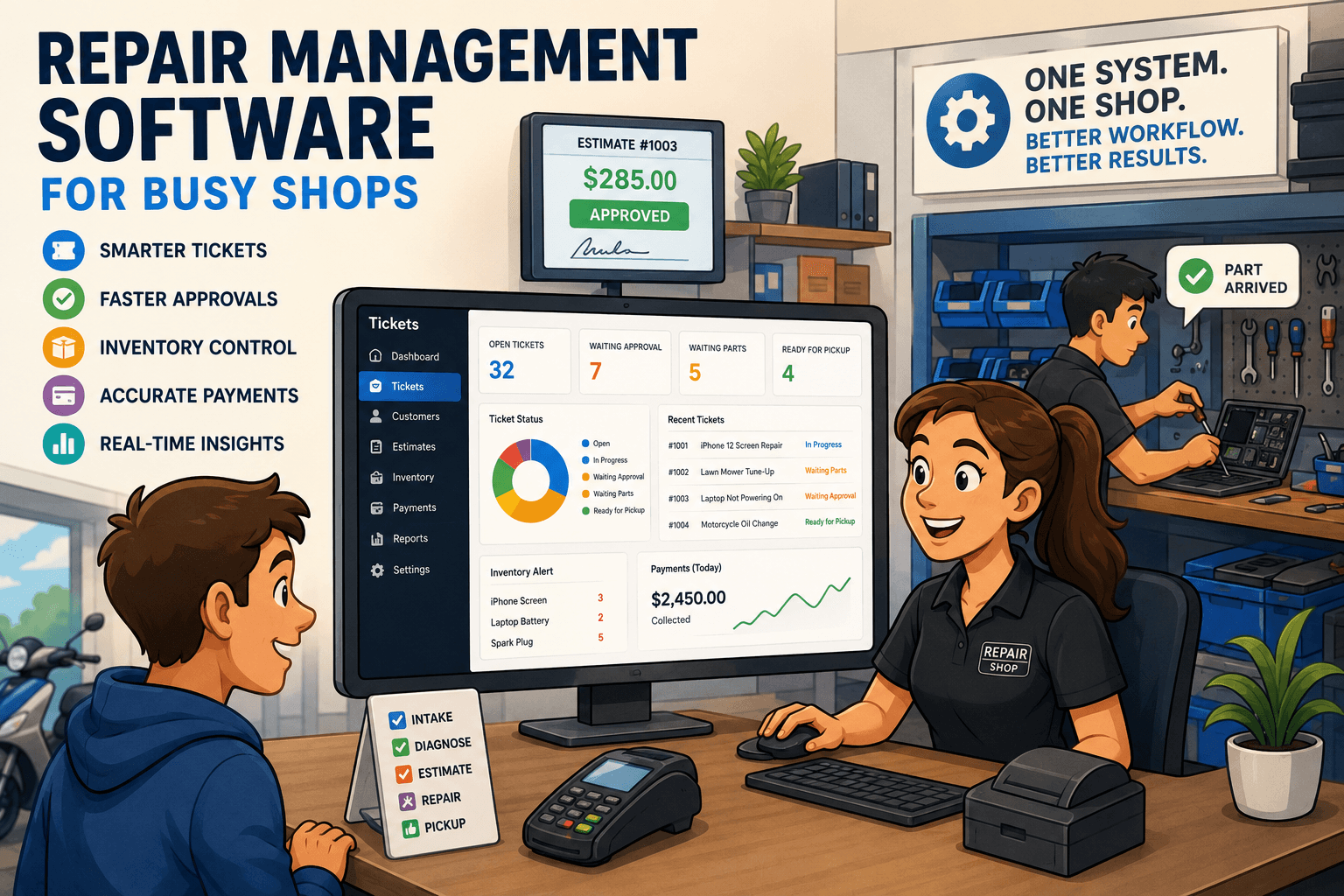
This is also where a repair-specific workflow gives shops an edge. A ticket-first system can connect intake details, device history, parts usage, approvals, and payment collection in one place. That reduces the classic handoff problem where the front desk hears one thing, the tech does another, and the invoice shows something else. Benchry is built around that exact reality.
The parts categories that matter most
Not every part should be managed with the same level of control. High-value parts such as OLED screens, laptop motherboards, specialty sensors, and branded assemblies need tighter tracking than low-cost consumables. That does not mean consumables should be ignored. It means they should be handled differently.
For most repair shops, inventory works best when divided into stock parts, special-order parts, and consumables. Stock parts are common enough to keep on hand because they move consistently. Special-order parts are purchased for a specific ticket due to cost, model variation, or lower demand. Consumables like tape, solder, screws, cleaning materials, and adhesives should still be tracked, but often by reorder thresholds and usage trends rather than one-to-one customer billing.
That distinction helps with pricing decisions too. Some shops try to itemize every low-cost material on invoices. Sometimes that helps margin recovery. Sometimes it clutters the invoice and slows the counter. It depends on your average ticket size and customer expectations. Many shops are better off baking small consumable costs into labor or repair packages while maintaining internal usage visibility.
Purchasing is part of inventory control
A lot of inventory issues are really purchasing issues in disguise. If buyers do not know current stock, committed stock, vendor lead times, and historical usage, orders become reactive. That leads to overnight shipping charges, duplicate buys, and urgent phone calls to suppliers while a customer waits.
A better purchasing flow starts with reorder logic that reflects your actual shop. Fast-moving parts should trigger alerts before they hit zero, not after. Slow-moving but critical parts may justify a minimum quantity if they are tied to profitable repairs. Vendor performance matters too. If one supplier is cheaper but often late, the lower unit cost may not be worth the turnaround hit.
Purchase orders should also feed inventory automatically when received. Manual re-entry is one of the fastest ways to create mismatches. The receiving step is where shops either gain control or lose it. If a shipment arrives damaged, partial, or incorrect, the system should reflect that immediately so nobody allocates phantom stock to a job.
The numbers that actually improve control
Inventory reports get noisy fast. Most shops do not need more reports. They need the few numbers that change decisions.
Start with stockout frequency on common repairs. If a popular screen or battery keeps going unavailable, that is a direct hit to turnaround time. Look at inventory age so cash is not sitting in dead models or obsolete variants. Watch parts usage by technician and by repair category, not to police people unfairly, but to spot training issues, misdiagnosis, or unusual waste. And compare estimate-to-final variance. If tickets routinely close with different parts than originally quoted, your intake and diagnostic process may need work.
Cycle counts matter more than annual count marathons. A full wall-to-wall count once a year will not fix drifting data. Counting a targeted section every week usually does more for accuracy because errors get caught while they are still explainable.
Common mistakes that cost shops money
The first mistake is keeping inventory in one system and repairs in another. The second is allowing parts to be used before they are assigned or recorded. The third is relying on staff memory for special orders, customer deposits, or backordered items.
Another expensive mistake is failing to separate available stock from committed stock. That creates false confidence at the counter and broken promises after approval. And finally, many shops treat inventory as a bookkeeping function when it is really an operations function. The shelf count affects quote accuracy, customer communication, technician productivity, and how quickly you get paid.
Make control easy enough to stick
The best process is the one your staff can follow at full speed during a busy day. If updating inventory takes too many clicks, people skip it. If receiving parts does not connect to tickets, the front desk makes side notes. If technicians cannot quickly mark what they used, the invoice gets cleaned up later from memory. That is how chaos creeps back in.
Repair shop inventory management works when it is built into intake, approvals, parts ordering, bench work, and checkout - not bolted on after the fact. The goal is not perfect theory. The goal is a shop where everyone can trust the next step, from the front counter to the final payment.
When your inventory tells the truth, the whole operation gets faster.