What a Repair Ticket System Should Do
A repair ticket system should track intake, approvals, parts, labor, payments, and updates in one flow so your shop stays organized and profitable.

When a customer is standing at the counter with a cracked phone, a dead laptop, or a piece of equipment that has to be back in service fast, the handoff matters. If your repair ticket system is slow, incomplete, or split across a POS, a spreadsheet, and text messages, the problems start right there. Missed intake details turn into callbacks, parts confusion, delayed approvals, and awkward pickup conversations.
For repair shops, a ticket is not just a note that a device came in. It is the operational center of the job. It should tell your team what came in, what was promised, what was found, what was approved, who touched it, which parts were used, what the customer owes, and what happens next. If your software cannot carry that workflow from intake to payment, it is not helping the business run. It is just creating more admin.
Why a repair ticket system matters more than a basic POS
A generic retail POS is built to move inventory across a counter. A repair shop runs on open jobs, changing diagnoses, technician labor, deposits, parts allocation, and customer approvals. That is a different business model.
The gap shows up quickly when shops try to force repair work into retail-first software. Front-desk staff collect customer details in one place, technicians leave notes somewhere else, approvals happen over the phone, and final payment gets handled in the register. Nobody has a clean view of the job unless they ask three people and check two systems.
A proper repair ticket system keeps the entire repair lifecycle attached to one record. That gives the front desk confidence at check-in, gives technicians context while they work, and gives management a reliable paper trail when questions come up about turnaround time, parts usage, labor, or payment status.
What a repair ticket system should capture at intake
The intake step sets the tone for the whole repair. If it is rushed or inconsistent, every downstream task gets harder.
At minimum, the ticket should capture customer information, item details, reported issue, condition on arrival, accessories left with the item, passcodes or access notes when appropriate, warranty status, and estimated turnaround. For many shops, photos and signatures matter too. They reduce disputes and make pickup smoother because there is less room for confusion about pre-existing damage or what was dropped off.
This is also where deposits, intake disclaimers, and initial estimates need to live. If those details sit outside the ticket, staff has to hunt for them later. That slows down service and creates avoidable mistakes.
A good intake flow is not about collecting more data for the sake of it. It is about collecting the right data once, in a format the whole team can use.
The best repair ticket system supports the real workflow
Repair jobs do not move in a straight line. A device may come in for one issue and reveal another after inspection. A customer may approve part of the work but decline the rest. A technician may need to pause a job while waiting on inventory. Your system has to handle those normal shop realities without forcing your staff into workarounds.
That means the ticket should support status changes that reflect actual shop stages, not vague labels that tell nobody anything. Received, diagnosing, waiting on approval, waiting on part, in progress, ready for pickup, completed - those stages help the team understand where every job stands.
Technician assignment is another core piece. Shops need accountability. If a ticket has no clear owner, jobs sit. If multiple people touch the same repair without notes, quality drops and time gets wasted. The ticket should show who is responsible, what they found, what they did, and when they did it.
Notes also need structure. Freeform comments are useful, but only to a point. Shops benefit when estimates, labor lines, parts used, customer-facing updates, and internal technician notes are kept distinct. That keeps communication clear and prevents the front desk from reading internal shorthand as if it were a customer-ready explanation.
Approvals, estimates, and customer updates cannot be side processes
One of the fastest ways to lose time in a repair business is chasing approvals. Calling customers repeatedly, leaving voicemails, waiting for callbacks, and trying to remember what was quoted creates drag on the whole operation.
A repair ticket system should make estimates and approvals part of the ticket itself. When the diagnosis changes the scope of work, staff should be able to update the estimate, send it for approval, and keep the response tied to the job record. That protects the shop and reduces miscommunication.
Customer communication works the same way. Updates should not live in an employee's personal text thread or memory. They should be tied to the ticket so anyone at the counter can answer the customer with confidence. If a customer calls asking whether their unit is ready, the answer should come from the system, not from walking to the back room and asking around.
This matters for service quality, but it also matters for volume. As ticket counts rise, informal communication breaks down. Shops that rely on memory and manual follow-up hit a ceiling fast.
Parts tracking is where many ticketing setups fail
A repair shop can write accurate tickets and still lose margin if parts are managed poorly. When there is no clean connection between a repair ticket and the parts consumed on that job, inventory gets unreliable very quickly.
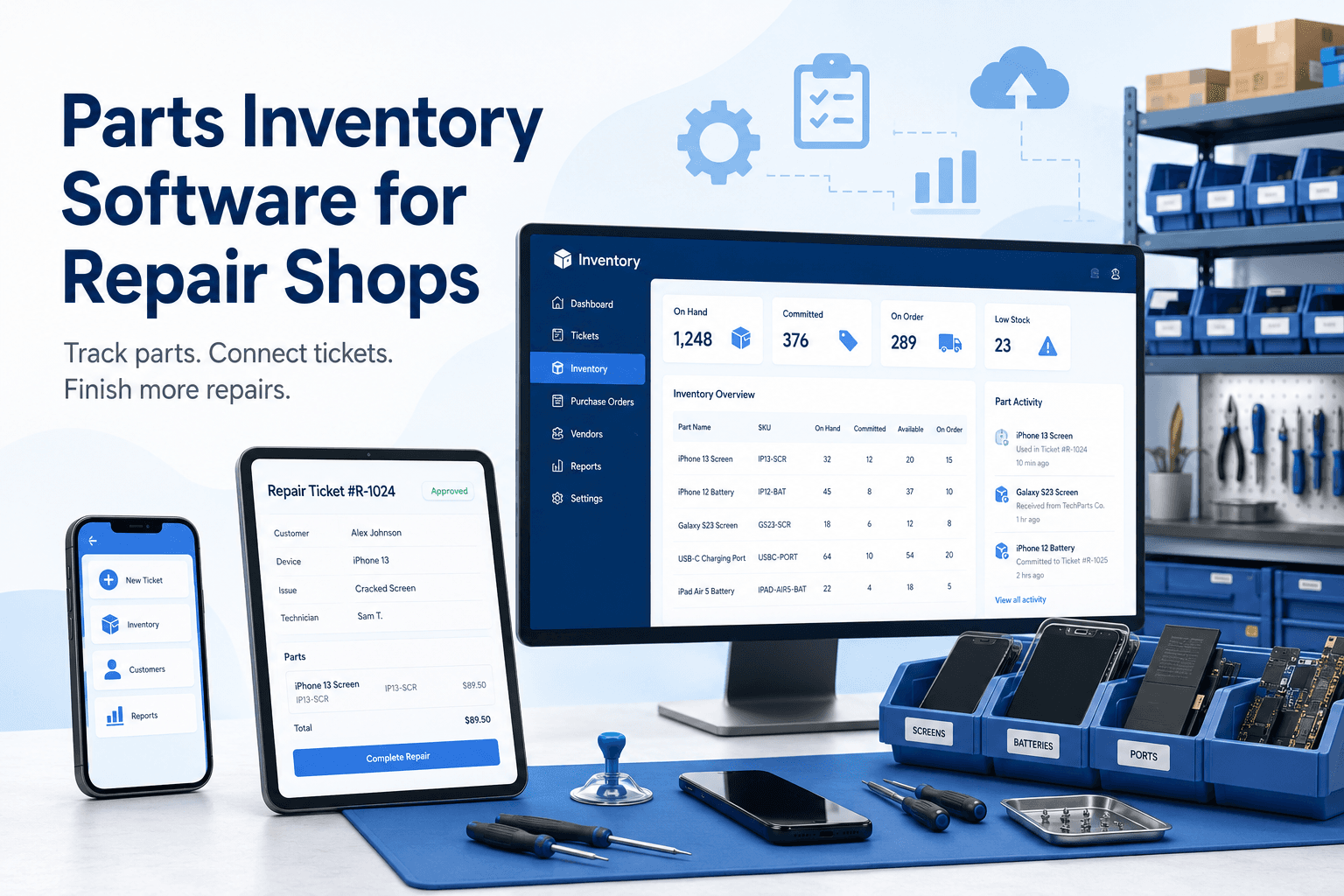
The system should let staff allocate or consume parts directly from the ticket. That creates a clear cost trail and helps the business understand profitability by repair type, device category, or technician. It also prevents the classic problem where a technician uses the last compatible part on the shelf, but the system still says one is available.
If your team is managing purchase orders separately and updating inventory later by hand, that is another sign the workflow is too fragmented. A ticket-based operation runs better when parts availability, ordering, and usage connect back to the job in progress.
There is some nuance here. Very small shops with low ticket volume can get by longer with looser inventory habits. But once a business is juggling multiple technicians, repeat repair categories, and supplier lead times, loose habits become expensive.
Payment and reconciliation should not be disconnected from the job
Payment errors usually do not start at checkout. They start earlier when deposits, approved work, added parts, local taxes, and final invoices are tracked in separate places.
A strong repair ticket system carries financial data through the same workflow as the repair itself. If a customer paid a deposit, it should be visible on the ticket. If the estimate changed after approval, the invoice should reflect that without re-entry. If the item is ready for pickup, staff should know exactly what is owed before the customer gets to the counter.
This is where many shops feel the pain of using one tool for repairs and another for payments. Reconciliation gets messy, staff spends extra time balancing transactions, and management loses confidence in reporting. Clean payment tracking inside the repair workflow reduces those end-of-day surprises.
How to tell if your current repair ticket system is holding you back
Most shops do not replace software because of one bad feature. They replace it because small inefficiencies stack up until the team is constantly working around the system.
If technicians rely on verbal handoffs, if front-desk staff keep side notes on paper, if customers call because updates are inconsistent, if inventory counts are often wrong, or if payment reconciliation feels like a separate project every week, the issue is not just training. The issue may be that the system was never designed for ticket-based service operations.
The right platform should reduce handoffs, not create more of them. It should shorten intake, speed up approvals, tighten parts control, and give every role in the shop a clearer next action. That is the difference between software that records work and software that actually runs the workflow.
For shops evaluating options, the practical test is simple. Follow one repair from check-in to pickup and ask whether the ticket can hold the full job without outside tools. If the answer is no, there is still a gap. Benchry is built around that exact reality - one connected workflow for intake, repair management, communication, parts, payments, and reconciliation.
The best system is not the one with the longest feature list. It is the one that keeps your shop controlled when the counter is busy, the technicians are buried, and customers want answers now.